Product shape
Operations console
The value sits in a team-facing dashboard that turns monitoring into a repeatable operational workflow.
Detailed case study
A secure VPS monitoring product built around agent-led onboarding, centralized visibility, and an operational console teams can actually use.
Client context
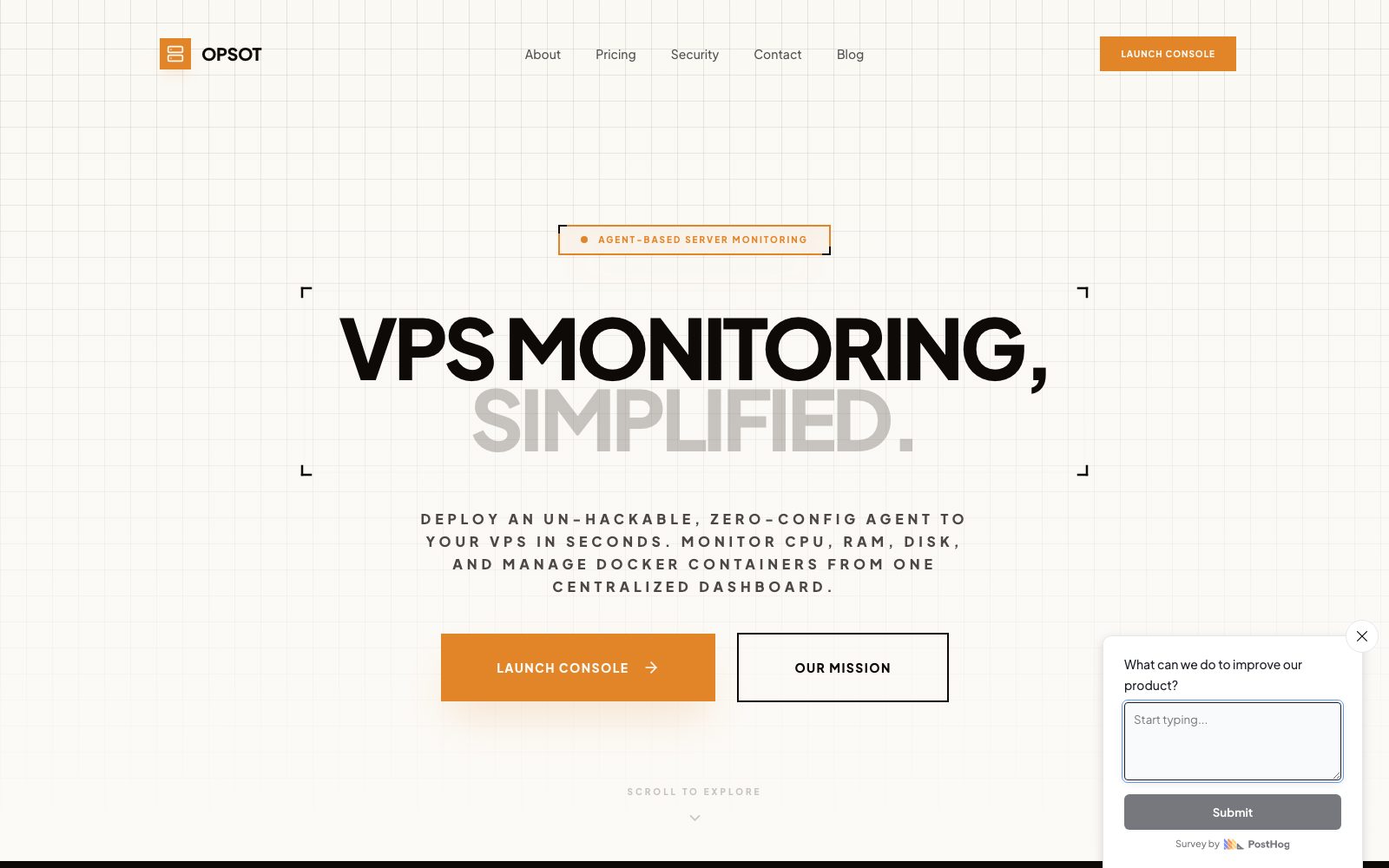
Opsot is a server monitoring product focused on secure VPS monitoring without open ports, paired with one centralized dashboard for ongoing operational control.
Product shape
The live product turns an infrastructure workflow into a more approachable operational system, combining agent setup, health visibility, and console-led management.
Delivery signals
These are the commercial and product signals that shaped how the release was scoped and why the finished product is useful as a portfolio reference.
Product shape
The value sits in a team-facing dashboard that turns monitoring into a repeatable operational workflow.
Core journey
Users need to get from secure setup to useful server visibility quickly, without a fragile setup experience.
Delivery focus
The product had to feel controlled and operational rather than like a collection of disconnected monitoring screens.
Story
The case study pages are written around the product shape, the build approach, and the practical outcome rather than around vague before-and-after claims.
The brief
The platform needed to make a security-sensitive infrastructure process feel straightforward enough for everyday operational use.
The build approach
The release was built around a simple operational story: deploy an agent, enter the console, and manage visibility from one place.
What the delivery enabled
The result is a more usable internal-tools style product that packages monitoring and operational visibility into one coherent system.
Implementation scope
These projects are useful GEO assets when they show more than a pretty screenshot. The scope blocks below explain what kinds of product work actually sat inside the release.
The first user experience needed to make the agent model intelligible and easy to adopt without diluting the security story.
The core product experience needed to turn infrastructure state into something readable and actionable for a team.
Monitoring products need more than a dashboard; they need a structure that can support future team workflows cleanly.
Technical emphasis
Timeline
Each case study shows the delivery rhythm at a product level so the page reads like an actual implementation story rather than a generic testimonial.
Phase 01
The monitoring journey was scoped around what users needed to understand first, what the console had to surface, and where security fit in the product story.
Phase 02
The first product pass focused on the setup path and the structure of the operational views.
Phase 03
The team-facing status views and operational surfaces were then built as the core of the release.
Phase 04
Final work focused on keeping the product coherent, usable, and ready for future operational expansion after launch.
Continue from here
This case study exists to reinforce the service cluster, not to float on its own. Use the matching service page to read the broader delivery model, then compare it with the rest of the portfolio.
More work
A few more examples from adjacent service categories so the portfolio cluster keeps linking laterally, not just vertically.
Custom SaaS development
A live IELTS writing product shaped around self-serve essay checking, repeat usage, and clear feedback reports students can act on.
Client portal development
A white-label trading journal product built around branded dashboards, member account journeys, and community-facing portfolio visibility.
API and backend development
A creator product that wraps real-time face-swap processing in a cloud-delivered interface, account flow, and streaming-ready backend foundation.