Operations
Workflow-led
The tool is scoped around the real operational process, not a generic template.
Services
We build internal software for teams that need better operational control, cleaner approvals, stronger reporting, and a workflow surface that actually matches how the business runs.
Operations
Workflow-led
The tool is scoped around the real operational process, not a generic template.
Visibility
Reporting-ready
Dashboards, status views, and data retrieval are treated as core features.
Control
Permission-aware
Different teams and roles get the access level they actually need.
Delivery Proof
The exact brief changes, but these are the commercial outcomes and delivery patterns teams usually want from this category of build.
Typical outcome
The core workflow moves into one system with clearer routing, status handling, and user-specific actions.
Typical outcome
Queues, states, and next actions become easier to follow, which reduces operational ambiguity.
Typical outcome
The internal tool supports search, filters, dashboards, and audit-friendly access instead of leaving insight trapped in manual work.
Representative build
Internal ops portal
An internal tool replacing a spreadsheet-and-email chain. Ops staff submit requests, managers approve or reject with context, and audit logs are retained automatically.
Commercial model
The first release is defined before build starts, so delivery stays commercially clear.
Engineering span
Frontend, backend, auth, data, and deployment are handled as one build instead of being split across disconnected contractors.
Ownership
The repository, documentation, and deployment context are delivered in a state your team can actually own.
Operational visibility
Search, filters, queues, and status visibility are treated as part of the tool, not as later admin debt.
What Is Included
Each build is scoped individually, but these are the main workstreams that typically sit inside this kind of project.
The internal software surface your team uses day to day for tasks, reviews, or decision-making.
The rules, automations, and permission layers needed to keep the system usable and reliable.
The data and monitoring layer that helps teams understand what is happening inside the process.
The release setup and supporting context needed for ongoing internal ownership.
Relevant Work
A few live references from the wider portfolio that are useful when a brief shares this kind of product shape, account model, or workflow. Where available, the cards also link into fuller case-study pages.
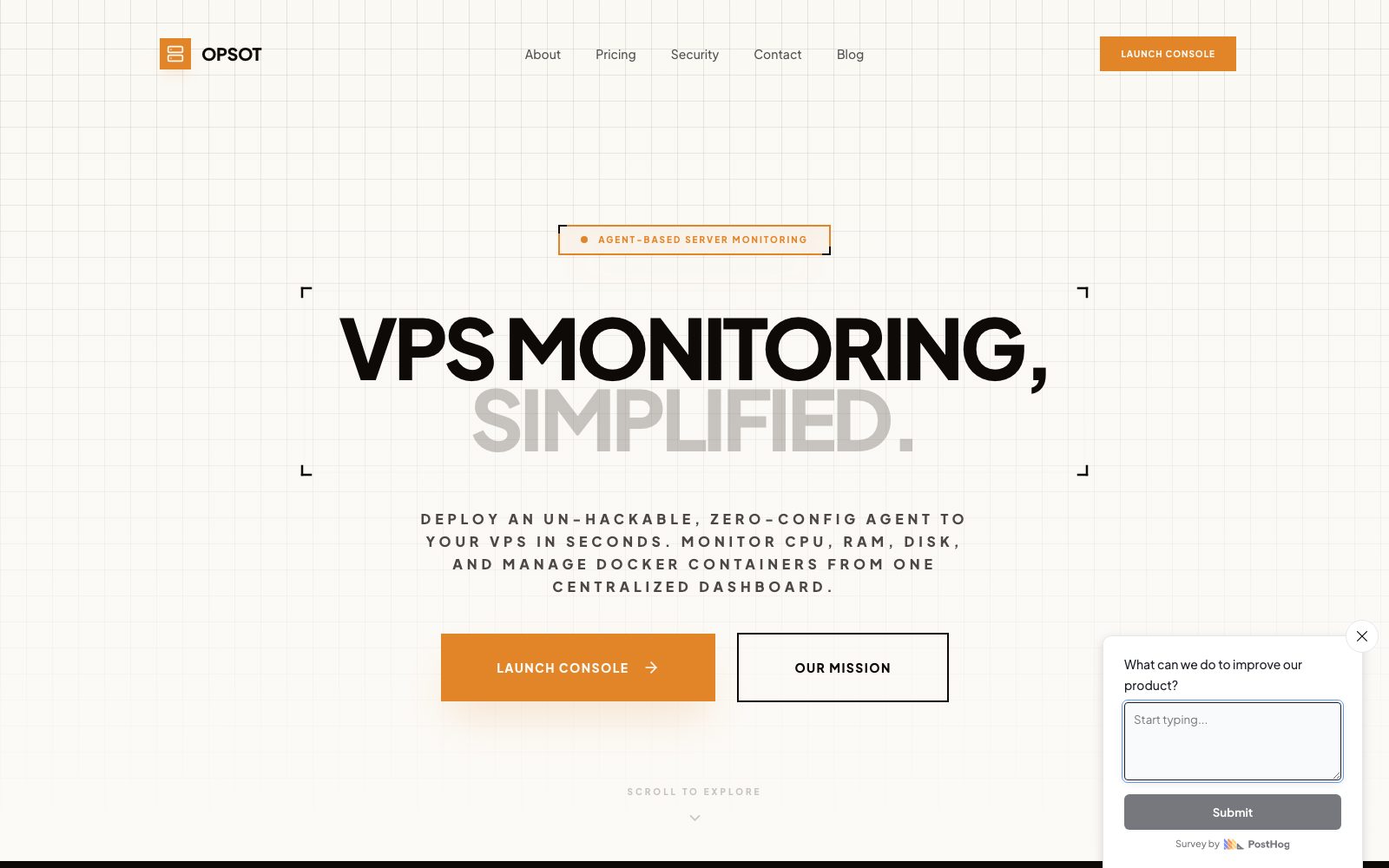
Portfolio example
Relevant when the software needs to coordinate internal steps, status changes, or team-only workflows.
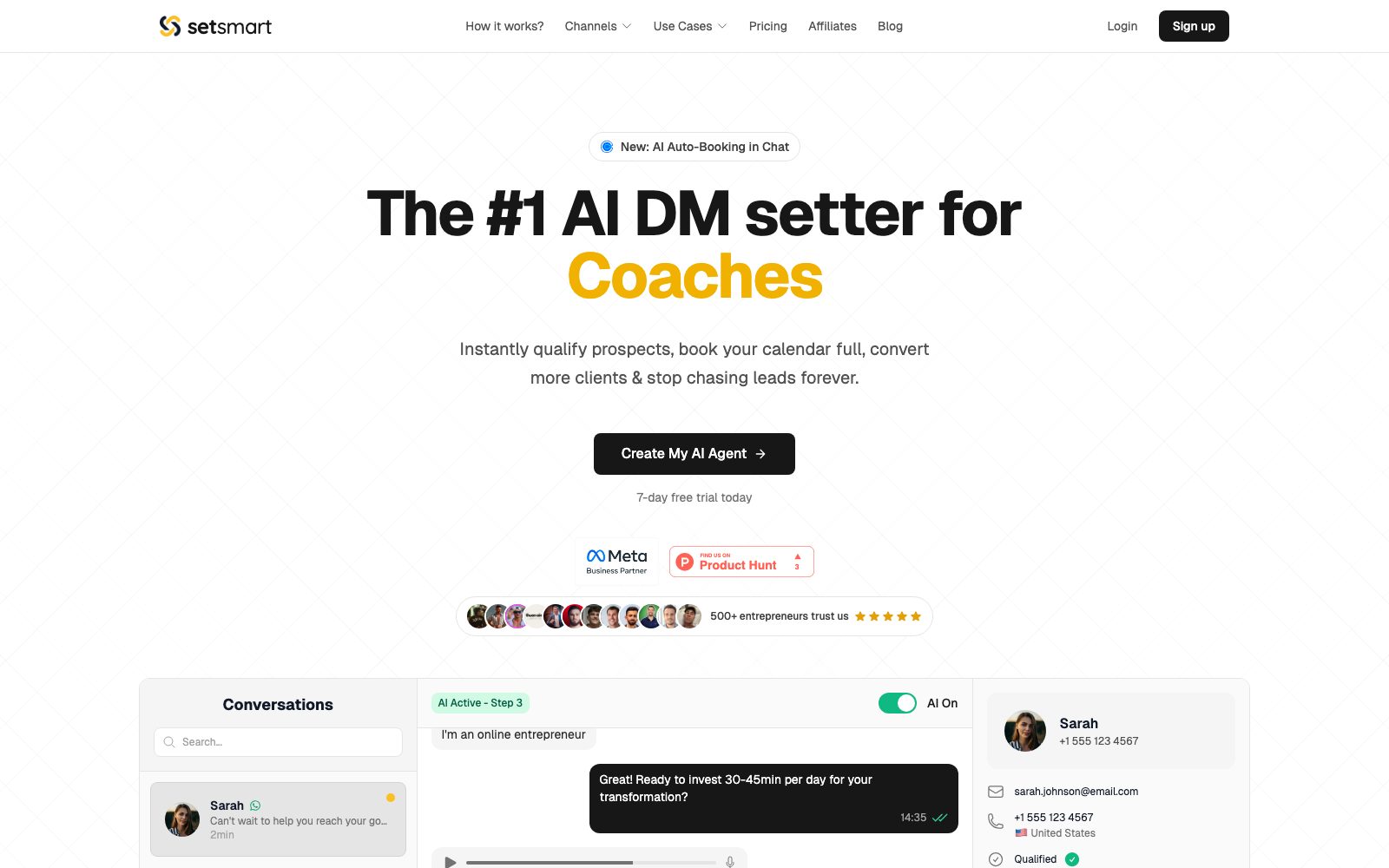
Portfolio example
A useful reference point for operational interfaces where clarity and repeat task handling matter day to day.
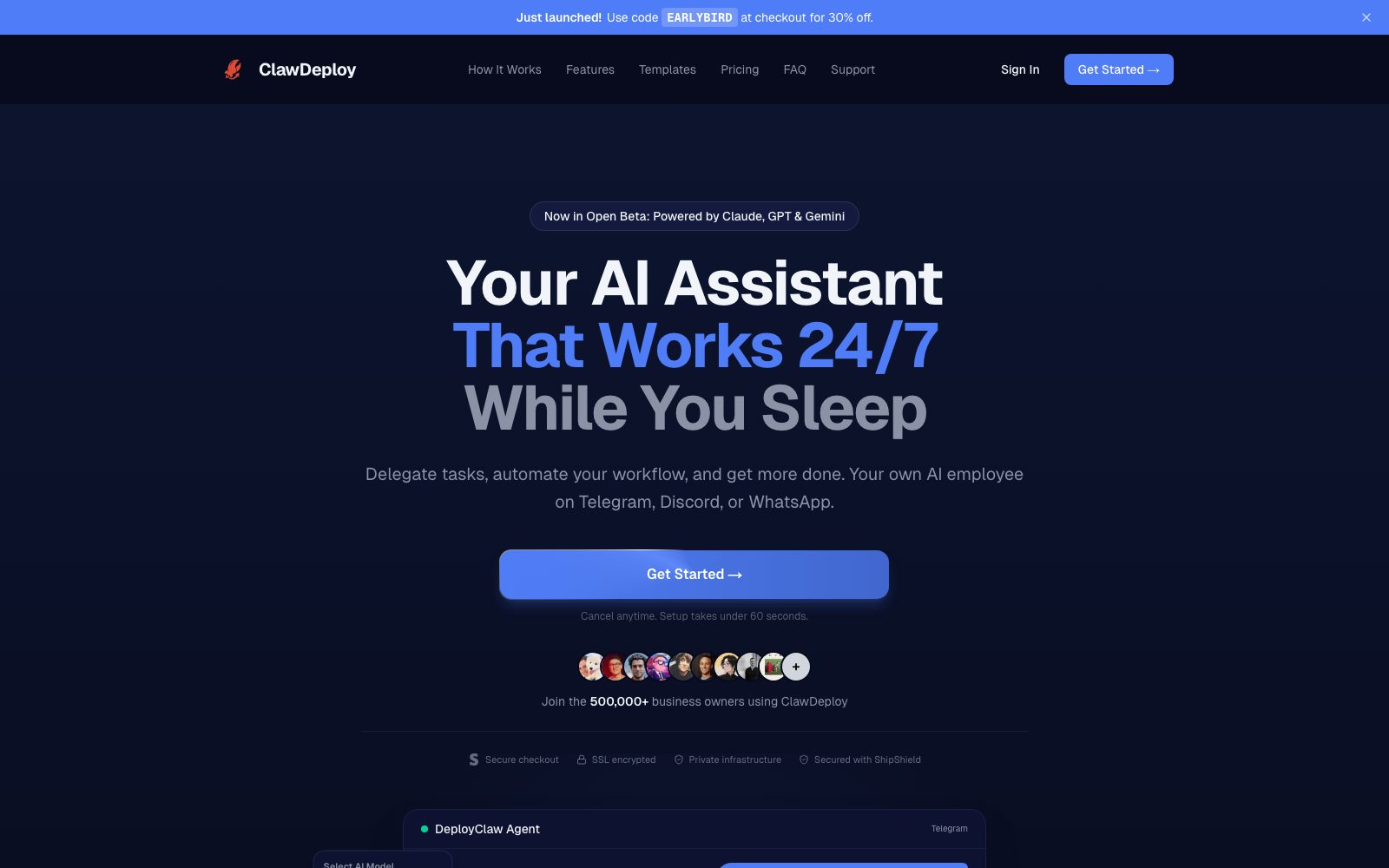
Portfolio example
Helpful when the brief needs a team-facing control surface rather than a public marketing experience.
Decision Guides
These pages are designed for the decision stage, when the team is still weighing whether this route is the right one commercially and operationally.
Decision guide
A decision guide for businesses comparing a custom client portal against generic portal software, with tradeoffs around workflow fit, permissions, branding, and integrations.
Decision guide
A decision guide for teams deciding whether to keep running a workflow in spreadsheets or replace it with a custom internal tool, with tradeoffs around approvals, auditability, reporting, and automation.
Relevant Guides
A few supporting articles that help teams think through stack choices, scoping decisions, and delivery tradeoffs around this kind of build.
Compare no-code tools with a professional app build and learn when a tailored software partner is the better choice for serious products and internal systems.
Learn how to scope a custom software project properly before development starts, with clearer milestones, better delivery planning, and fewer delays once the build begins.
Learn what to look for in a bespoke software development partner, from scoping and technical depth to visibility, security, and clean handover.
Best Fit
Typical scenarios where a dedicated build is usually the cleanest route.
You are still relying on inboxes, sheets, and disconnected tools to run repeatable processes.
You need clearer routing, accountability, and visibility around internal decisions.
Different teams or regions need tailored access and role-aware controls.
Your team needs to retrieve information quickly and act on it without manual reconciliation.
Questions
Short answers to the main questions teams usually ask about internal tools and admin systems.
We build admin panels, ops dashboards, approval systems, reporting tools, and workflow software shaped around the way the team already operates.
Yes. Internal tools often need integrations into CRMs, databases, finance tools, logistics systems, or other business software.
Yes. Role-based access and operational controls are a standard part of this type of build.
Yes. That is one of the most common reasons to commission a custom internal tool or admin system.
Related Services
These are the closely related categories teams usually compare while shaping a custom build.
Secure client portal development for businesses that need account areas, document access, status visibility, support workflows, and subscription management.
API and backend development for custom business logic, integrations, data workflows, service layers, and operational reliability behind the interface.
AI automation development for businesses that need workflow software, AI-assisted tasks, agent-style flows, or manual process reduction with proper engineering underneath.
Next Step
Bring the workflow, product idea, or operational problem. We will shape the first release into something buildable, commercially clear, and ready to hand over cleanly.