Usefulness
Workflow-led
The automation is tied to a real operational process rather than a novelty feature.
Services
We build AI-enabled tools and workflow automation systems for teams that want to remove manual steps, speed up repeated tasks, and keep the software understandable, usable, and production-sensible after launch.
Usefulness
Workflow-led
The automation is tied to a real operational process rather than a novelty feature.
Engineering
Production-ready
Permissions, backend structure, and integration reliability are built in.
Adoption
Usable
The interface and workflow are designed so teams can actually rely on the tool.
Delivery Proof
The exact brief changes, but these are the commercial outcomes and delivery patterns teams usually want from this category of build.
Typical outcome
Teams spend less time on repetitive handling because the workflow is captured inside usable software.
Typical outcome
Approvals, review states, and intervention points remain visible rather than disappearing into a black-box flow.
Typical outcome
The value is wrapped in dashboards, task states, and operational controls so the system can be relied on after launch.
Representative build
AI-enabled tool
A legal-adjacent tool that parses uploaded contracts, surfaces key clauses, flags risk terms, and generates a structured summary — all within a clean review interface.
Commercial model
The first release is defined before build starts, so delivery stays commercially clear.
Engineering span
Frontend, backend, auth, data, and deployment are handled as one build instead of being split across disconnected contractors.
Ownership
The repository, documentation, and deployment context are delivered in a state your team can actually own.
Review model
Approvals, review states, and fallback paths stay inside the workflow instead of being handled off-platform.
What Is Included
Each build is scoped individually, but these are the main workstreams that typically sit inside this kind of project.
The user-facing workflow surface where tasks are submitted, reviewed, or acted on.
The logic that powers the actual reduction in manual work.
The systems needed so the automation can work inside the wider business process.
The foundations that keep the automation usable after the demo stage.
Relevant Work
A few live references from the wider portfolio that are useful when a brief shares this kind of product shape, account model, or workflow. Where available, the cards also link into fuller case-study pages.
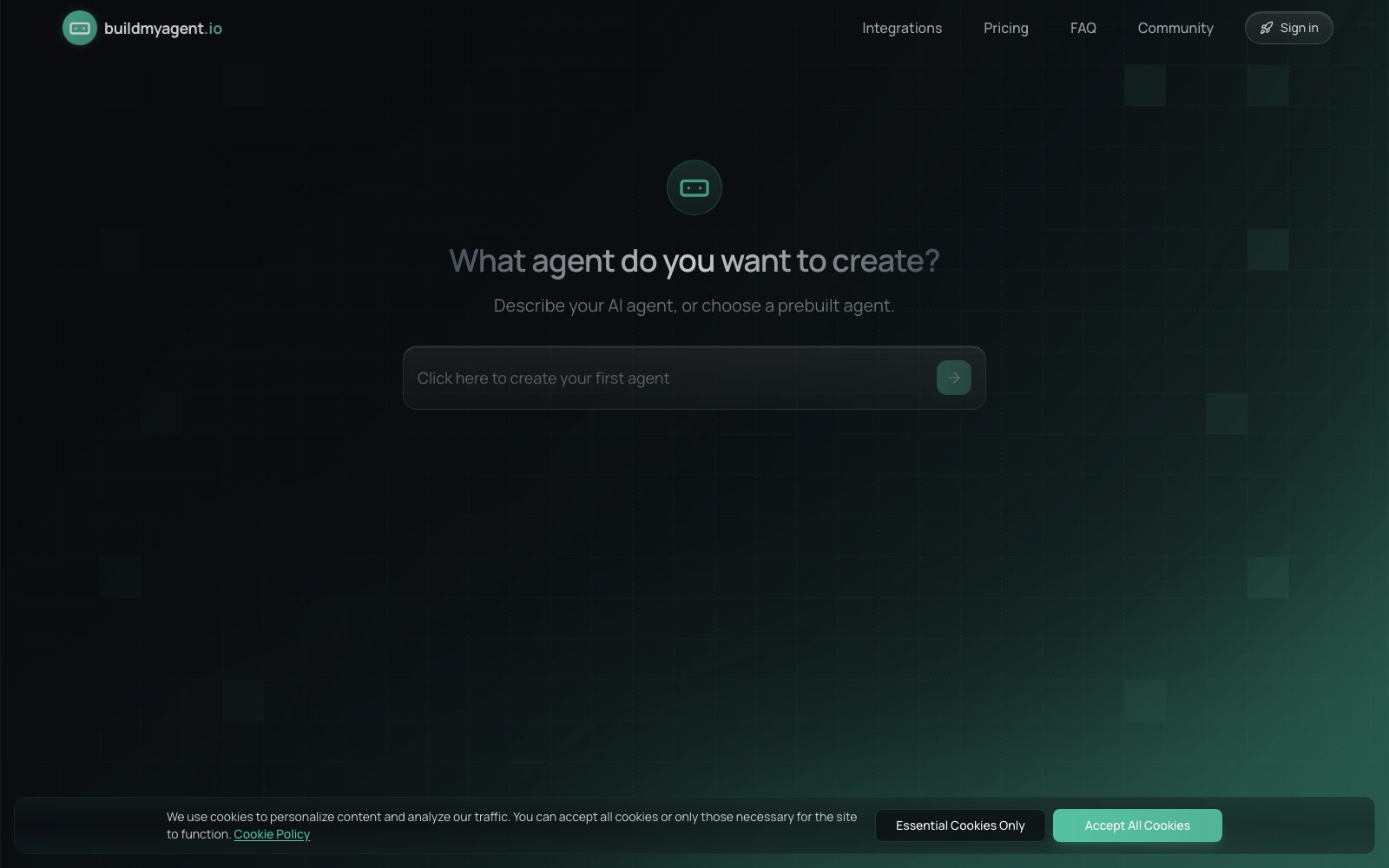
Portfolio example
Relevant when the brief centers on AI-assisted workflows rather than a generic content site.
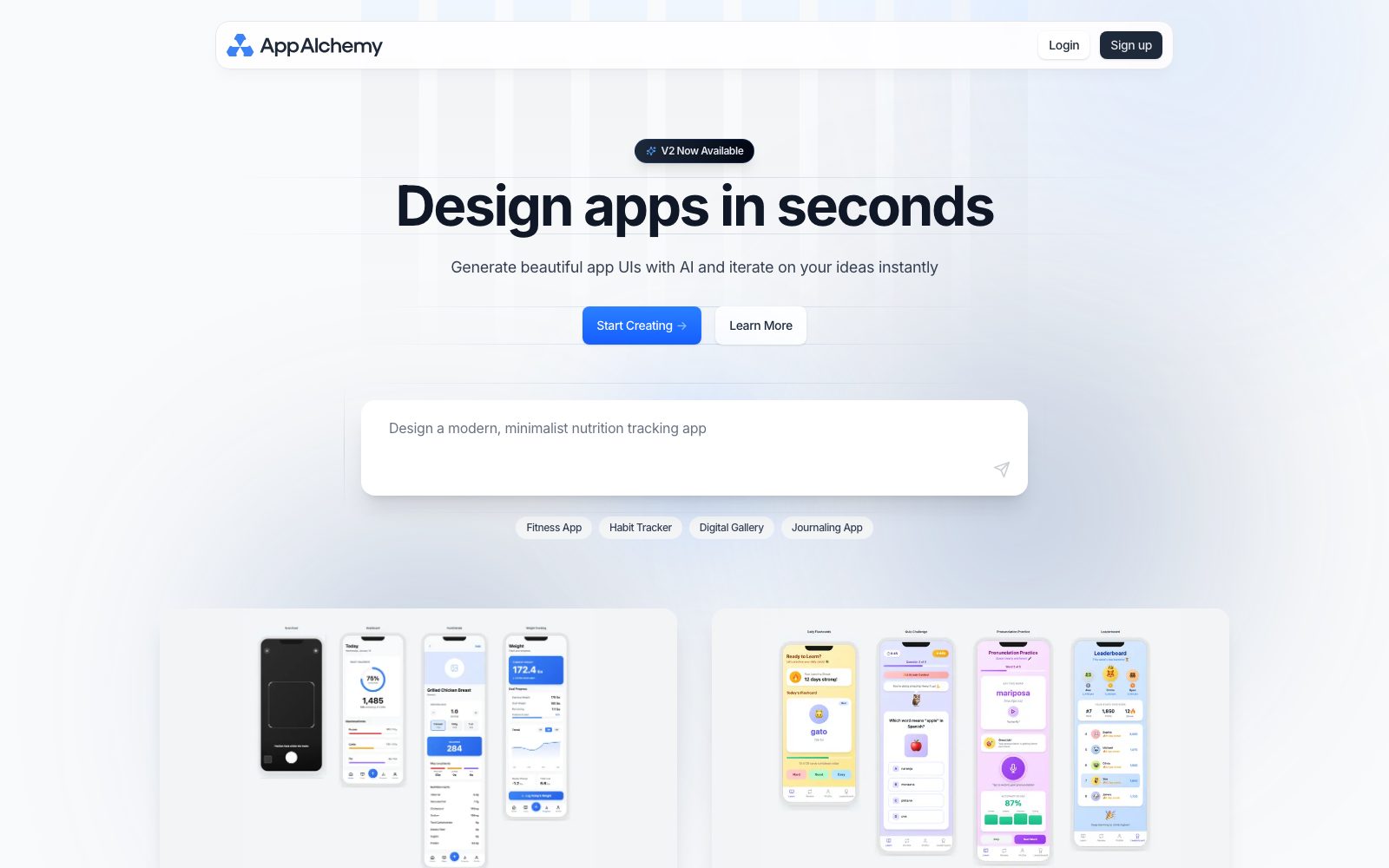
Portfolio example
Useful when automation needs a real product surface around it so teams can submit, review, and act on tasks.
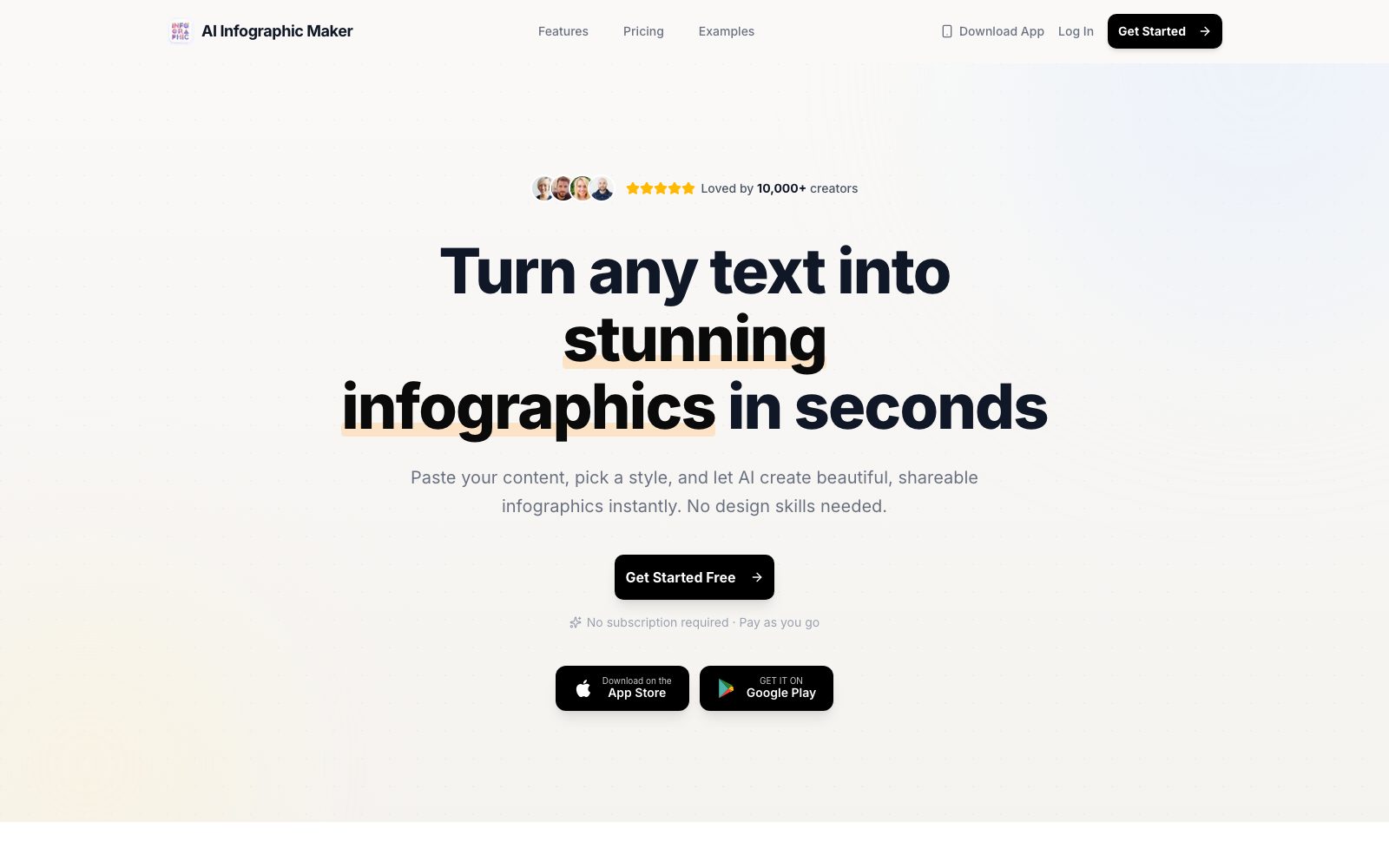
Portfolio example
Helpful when AI capability needs to be wrapped in a clean user flow instead of existing as a demo.
Decision Guides
These pages are designed for the decision stage, when the team is still weighing whether this route is the right one commercially and operationally.
Decision guide
A decision guide for teams deciding whether to keep running a workflow in spreadsheets or replace it with a custom internal tool, with tradeoffs around approvals, auditability, reporting, and automation.
Relevant Guides
A few supporting articles that help teams think through stack choices, scoping decisions, and delivery tradeoffs around this kind of build.
Learn how an AI app developer can help create SaaS for business faster through better scoping, full-stack delivery, visible progress, and production-ready engineering.
Learn how to build an app fast without cutting corners, and why clear scoping, visible delivery, and proper engineering matter from day 1.
Learn how businesses can build apps fast with the right AI-assisted development approach, professional app builders, and a clear delivery process.
Best Fit
Typical scenarios where a dedicated build is usually the cleanest route.
The same process is being carried out repeatedly and is ready to be productized.
You want a usable AI workflow, not an isolated prototype with no production path.
Humans still need visibility and control even when automation is introduced.
The AI capability needs clean system design around it so users can trust and use it.
Questions
Short answers to the main questions teams usually ask about ai automation development.
It means building workflow software or product features where AI or automation removes manual steps, while the surrounding system remains usable, reviewable, and maintainable.
Yes. AI automation is often part of a wider product, portal, or internal system rather than a standalone tool.
Yes. Many AI-assisted processes need checkpoints, approvals, or review states rather than full black-box automation.
No. It can include workflow routing, document processing, summarisation, extraction, task automation, and other operational uses of AI or automation.
Related Services
These are the closely related categories teams usually compare while shaping a custom build.
Custom SaaS product builds with clear scoping, role-aware access, billing flows, backend architecture, and clean handover.
Internal tools, admin panels, and workflow systems for teams that need better approvals, reporting, permissions, and operational control.
API and backend development for custom business logic, integrations, data workflows, service layers, and operational reliability behind the interface.
Next Step
Bring the workflow, product idea, or operational problem. We will shape the first release into something buildable, commercially clear, and ready to hand over cleanly.